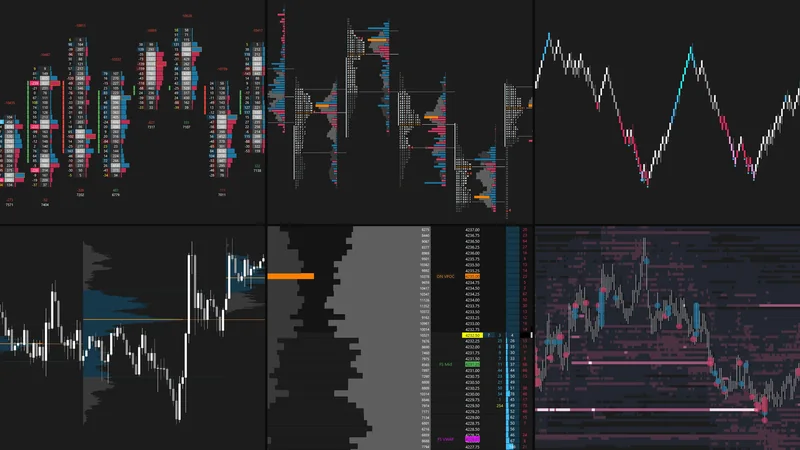
What Is Depth of Market (DOM)?
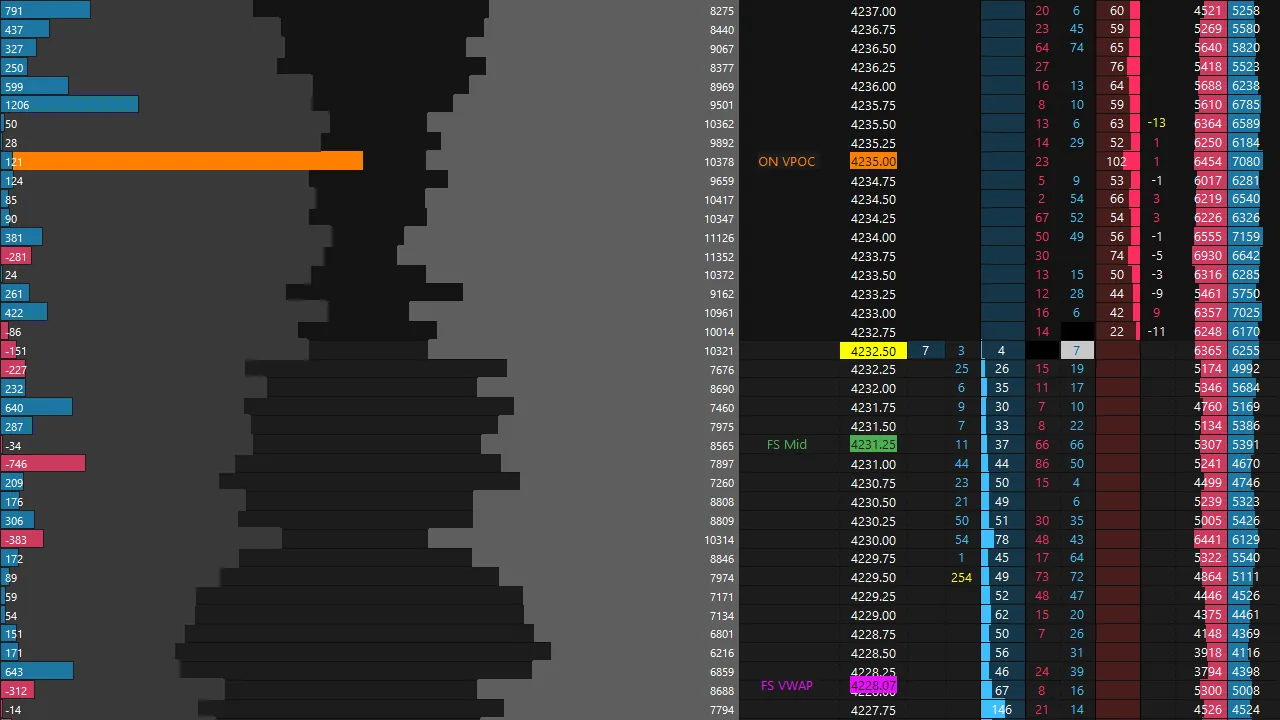
The Depth of Market (DOM), also known as the order book, displays resting limit orders across price levels, providing insight into available liquidity as the market evolves in real time.
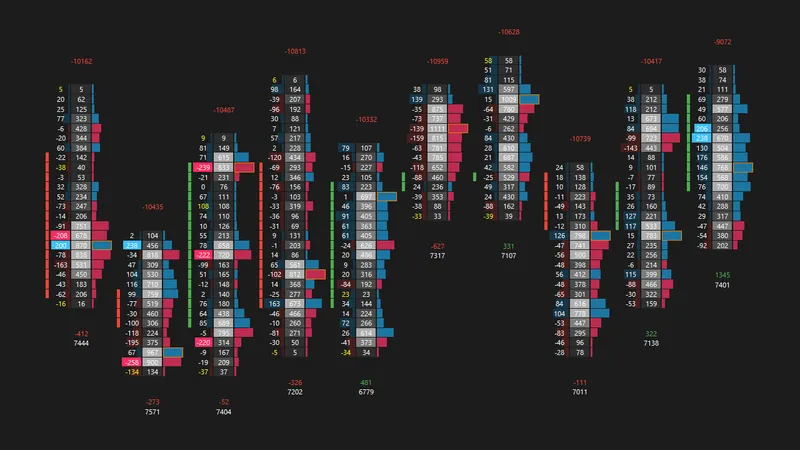
By observing how resting liquidity interacts with executed market orders, you can assess buying and selling pressure, monitor changes in the order book, and better understand price behavior around key levels.
Levels alone provide context, but orderflow helps you evaluate how the market responds when price reaches them. Monitoring absorption, aggressive execution, and changes in liquidity can support your decision-making when evaluating entries, managing positions, and determining when a trade thesis may no longer be valid.
What You Can Identify
What's Included
Last updated October 2026
Features
- Depth of Market (DOM) Chart to monitor resting liquidity and order book changes in real time
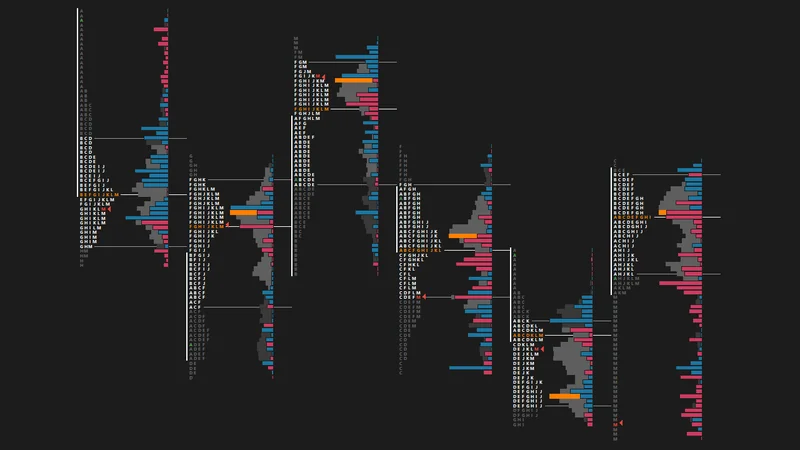
- Session Volume and Delta Profiles for additional orderflow context
- Daily, RTH, Overnight, and Full Session Reference Charts for broader market context
Installation Instructions
- Update Sierra Chart to the latest version.
- Set the time zone under Global Settings → Time Zone Settings to New York time (EST/EDT). The chartbooks are built on New York time.
- Save the downloaded chartbook file (.CHT) in your Sierra Chart Data folder (usually
C:\SierraChart\Data). - In Sierra Chart, go to File → Open Chartbook and select the file.
- Update each chart to the current futures contract under Chart → Chart Settings → Symbol.
Symbols not loading on your data feed? Go to Edit → Translate Symbols to Current Service.
Troubleshooting and contract rollover: Full install guide
This chartbook is designed primarily for ES futures. It can be adapted for other markets, but any necessary modifications and adjustments are the user's responsibility.
For personal use only. Redistribution, resale, or sharing of the files is prohibited.