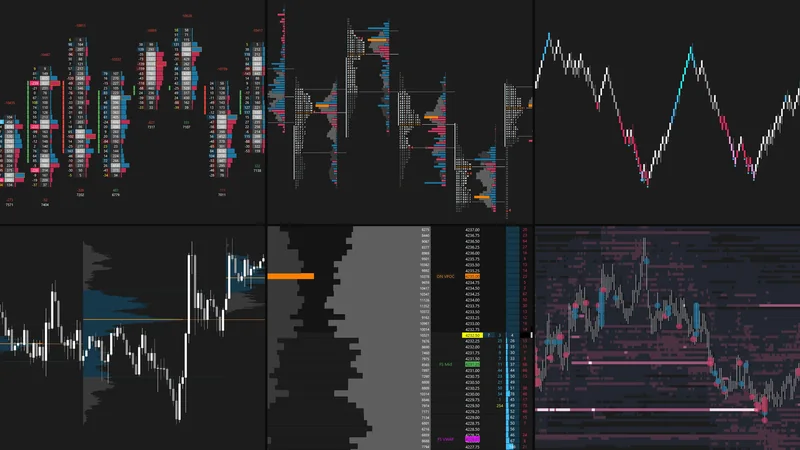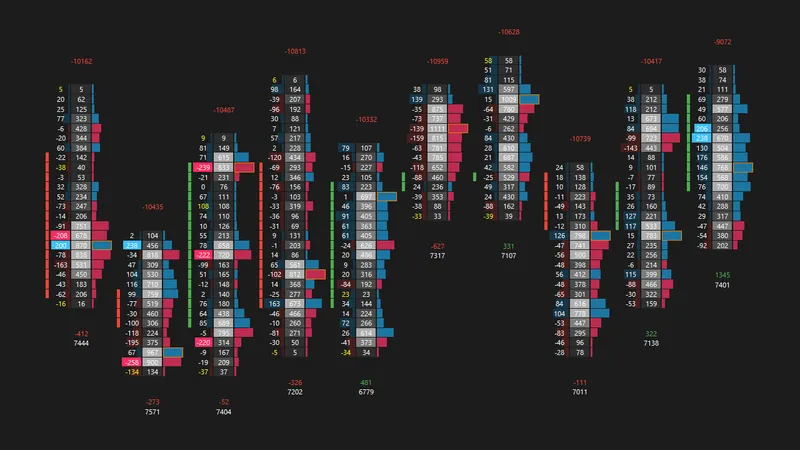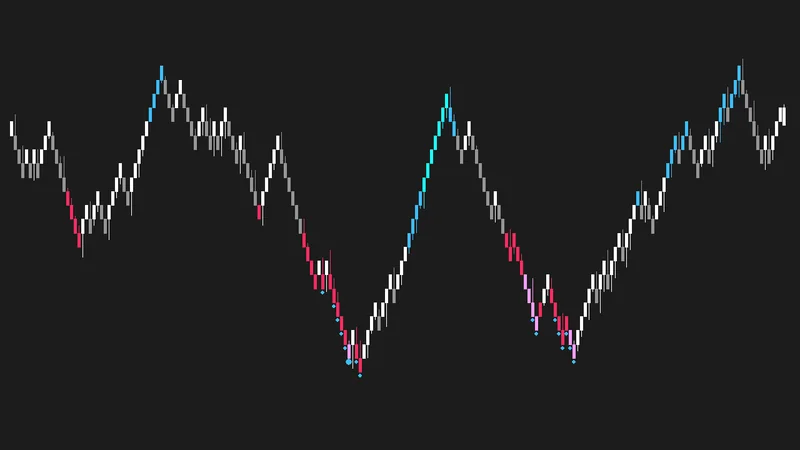
What Is Market Profile (TPO)?
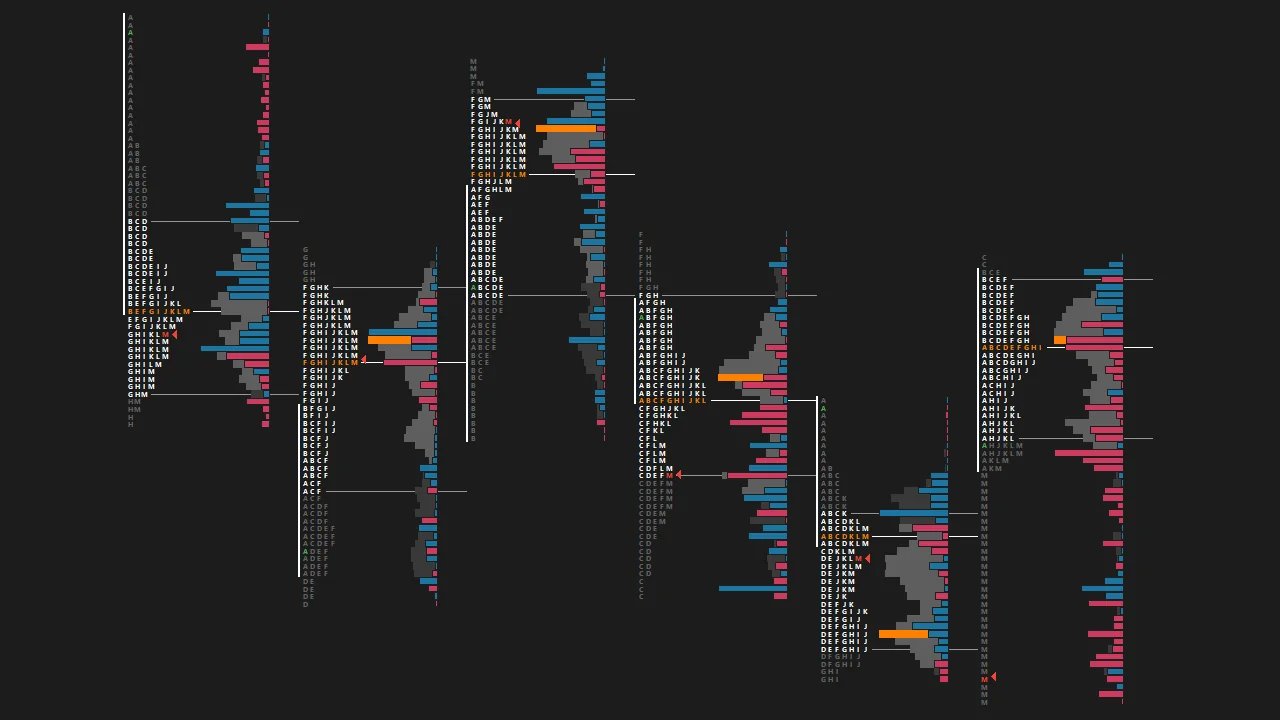
Market Profile organizes market activity into Time Price Opportunities (TPOs), with each letter representing a 30-minute period during which the market traded at a given price.
As the profile develops, it provides a visual representation of market structure, helping you assess how the auction evolves, identify areas of acceptance and rejection, and understand whether buyers or sellers are gaining control.
By analyzing the shape of the profile, range development, and value migration, you can gain insight into the behavior of short-term and longer-term participants throughout the trading session.
What You Can Identify
What's Included
Last updated October 2026
Features
- Daily, Daily Split, Weekly, and Monthly TPO Charts for multiple timeframes of market structure
- Daily Split Profiles (Asia / Europe / US) to analyze regional session development
- Session Volume and Delta Profiles for additional orderflow context
- Multiple Volume Profile Composites to identify broader areas of acceptance and rejection
- Separate Overnight and RTH Sessions for session-by-session analysis
- Single Prints Extended Until Future Intersection to track unfinished auction structure
- Poor Highs and Lows Extended Until Future Intersection to monitor unresolved extremes
- Highlighted TPOC, VPOC, Value Area, and Initial Balance for quick identification of key references
- Swing High/Low Lines to identify relevant market structure
- Daily, RTH, Overnight, and Full Session Reference Charts for broader market context
Installation Instructions
- Update Sierra Chart to the latest version.
- Set the time zone under Global Settings → Time Zone Settings to New York time (EST/EDT). The chartbooks are built on New York time.
- Save the downloaded chartbook file (.CHT) in your Sierra Chart Data folder (usually
C:\SierraChart\Data). - In Sierra Chart, go to File → Open Chartbook and select the file.
- Update each chart to the current futures contract under Chart → Chart Settings → Symbol.
Symbols not loading on your data feed? Go to Edit → Translate Symbols to Current Service.
Troubleshooting and contract rollover: Full install guide
This chartbook is designed primarily for ES futures. It can be adapted for other markets, but any necessary modifications and adjustments are the user's responsibility.
For personal use only. Redistribution, resale, or sharing of the files is prohibited.