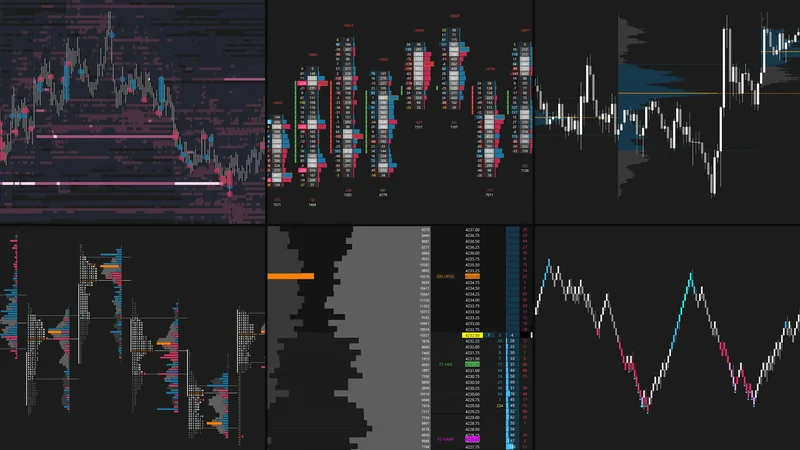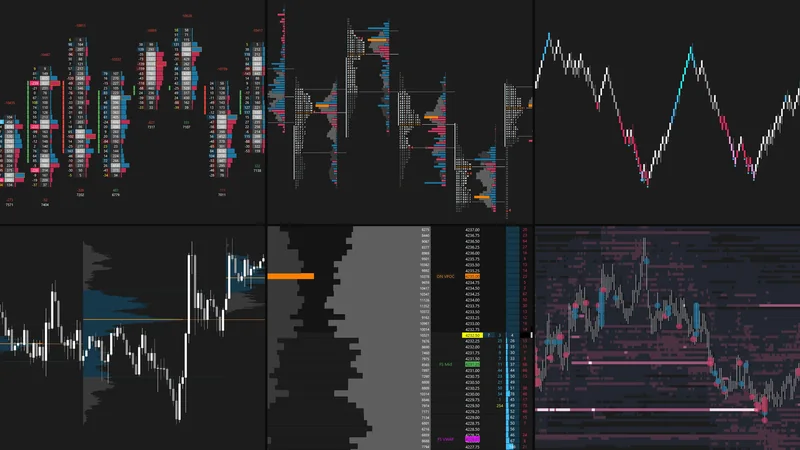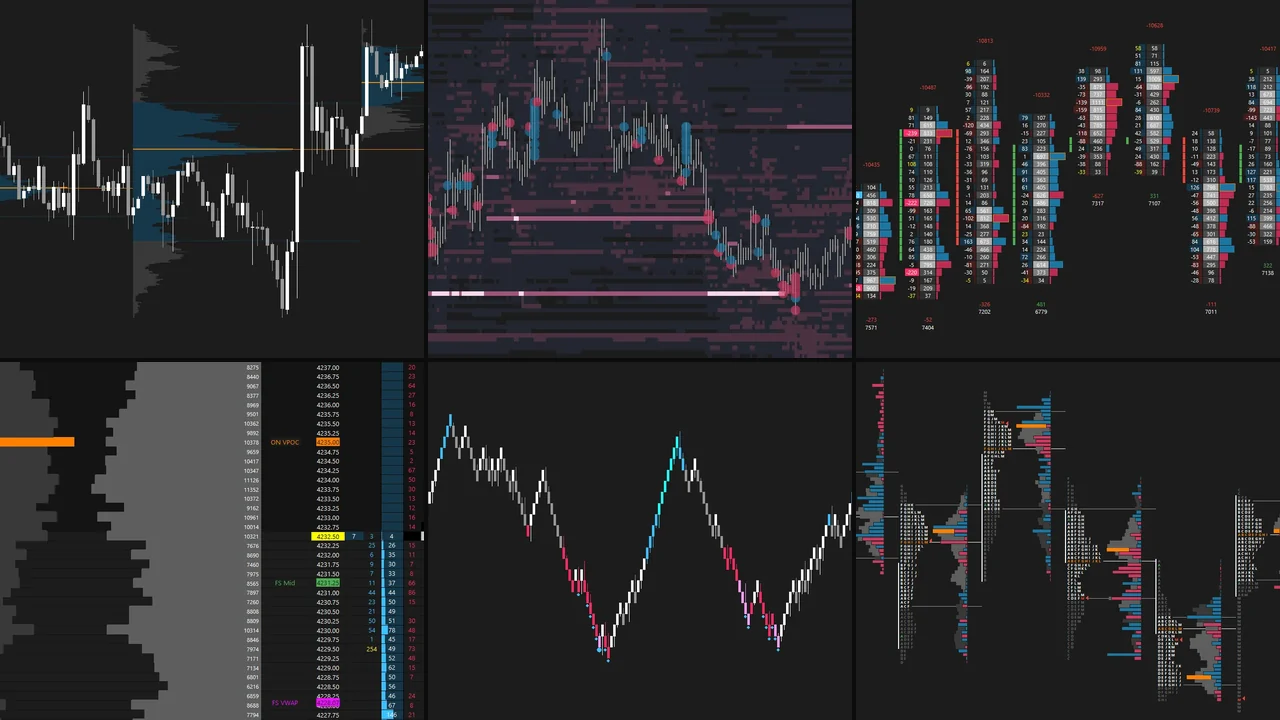
About This Bundle
The NQ Chart Bundle combines all five chartbooks, configured for the E-mini Nasdaq-100 (NQ), in one file: Footprint, Market Profile (TPO), Renko Execution, Depth of Market (DOM) and Volume Profile. It also includes the Liquidity Heatmap, which is only available in the bundles.
Together they cover orderflow, market structure, volume distribution and the order book, giving you one consistent workspace for NQ, from the broader context down to execution.
Chartbooks in This Bundle
What's Included
Last updated October 2026
Installation Instructions
- Update Sierra Chart to the latest version.
- Set the time zone under Global Settings → Time Zone Settings to New York time (EST/EDT). The chartbooks are built on New York time.
- Save the downloaded chartbook file (.CHT) in your Sierra Chart Data folder (usually
C:\SierraChart\Data). - In Sierra Chart, go to File → Open Chartbook and select the file.
- Update each chart to the current futures contract under Chart → Chart Settings → Symbol.
Symbols not loading on your data feed? Go to Edit → Translate Symbols to Current Service.
Troubleshooting and contract rollover: Full install guide
These chartbooks are designed primarily for NQ futures. They can be adapted for other markets, but any necessary modifications and adjustments are the user's responsibility.
For personal use only. Redistribution, resale, or sharing of the files is prohibited.